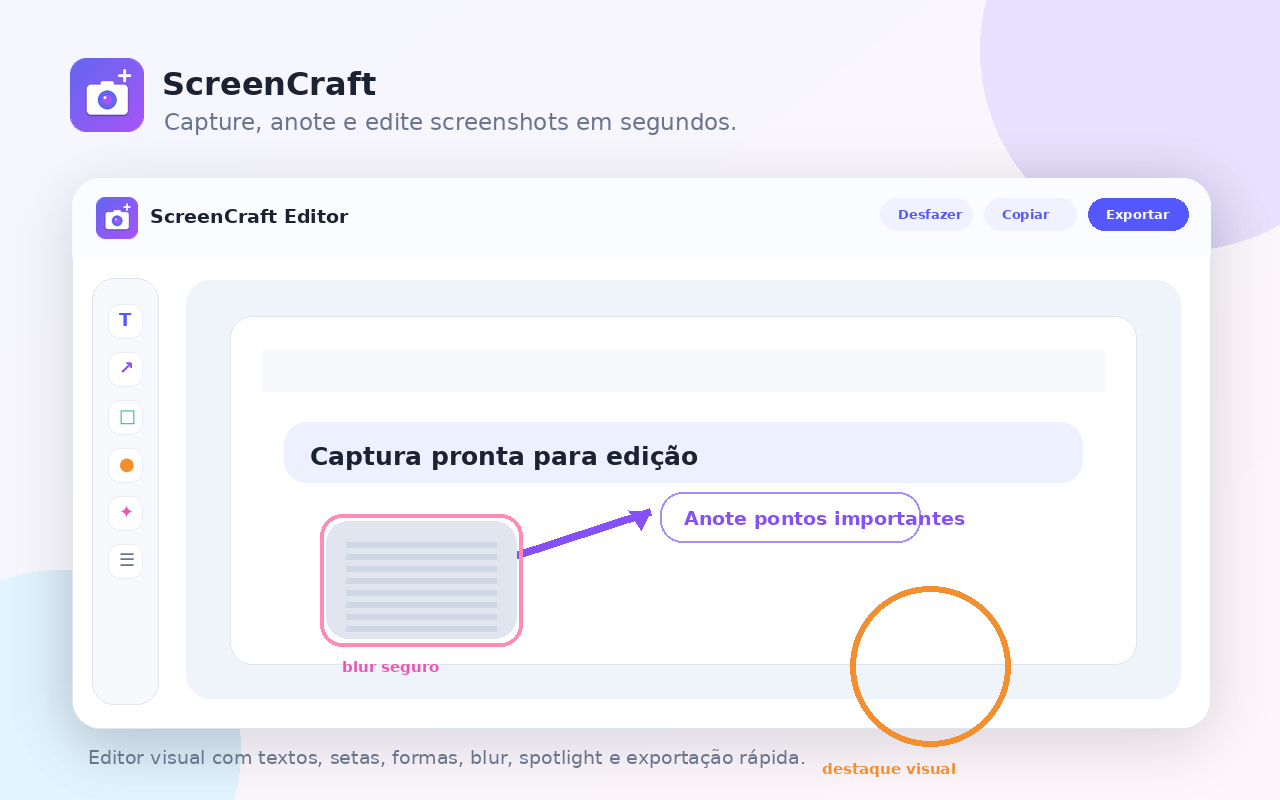
ScreenCraft turns screenshots into clear visual instructions: capture the screen, select an area, mark important points, apply blur and export in just a few clicks.

A simple experience to capture and explain visually without opening heavy editors or external tools.
Capture the visible area, a selected region or long pages directly from Chrome.
Use text, arrows, shapes, numbers, highlights and blur to explain exactly what matters.
Copy or export the final image to tickets, emails, documents and conversations.
| Feature | Free | Pro |
|---|---|---|
| Visible area capture | Yes | Yes |
| Area selection capture | Yes | Yes |
| Full-page capture | Limited | Yes |
| Advanced tools | No | Yes |
| Export without watermark | No | Yes |
Digital license to unlock advanced extension features.
Screenshots are processed locally in the browser. ScreenCraft does not automatically send screenshots to external servers. SoftMe uses data only for purchase, license activation and support.